
Best Desk Gadgets for Productivity: Upgrade Your Workspace and Get More Done
Whether you work from home, study for hours, or spend your day in an office, your desk can either help you stay productive or constantly distract you. A cluttered workspace, tangled cables, poor lighting and uncomfortable accessories can make even simple tasks feel frustrating.
The good news, you do not need an expensive office makeover to create a productive workspace. Sometimes, a few smart desk gadgets can completely transform how you work, helping you stay organized, comfortable, and focused throughout the day.
From keeping your device charged to improving posture and eliminating distractions, today’s desk gadgets are designed to make work easier and more enjoyable.
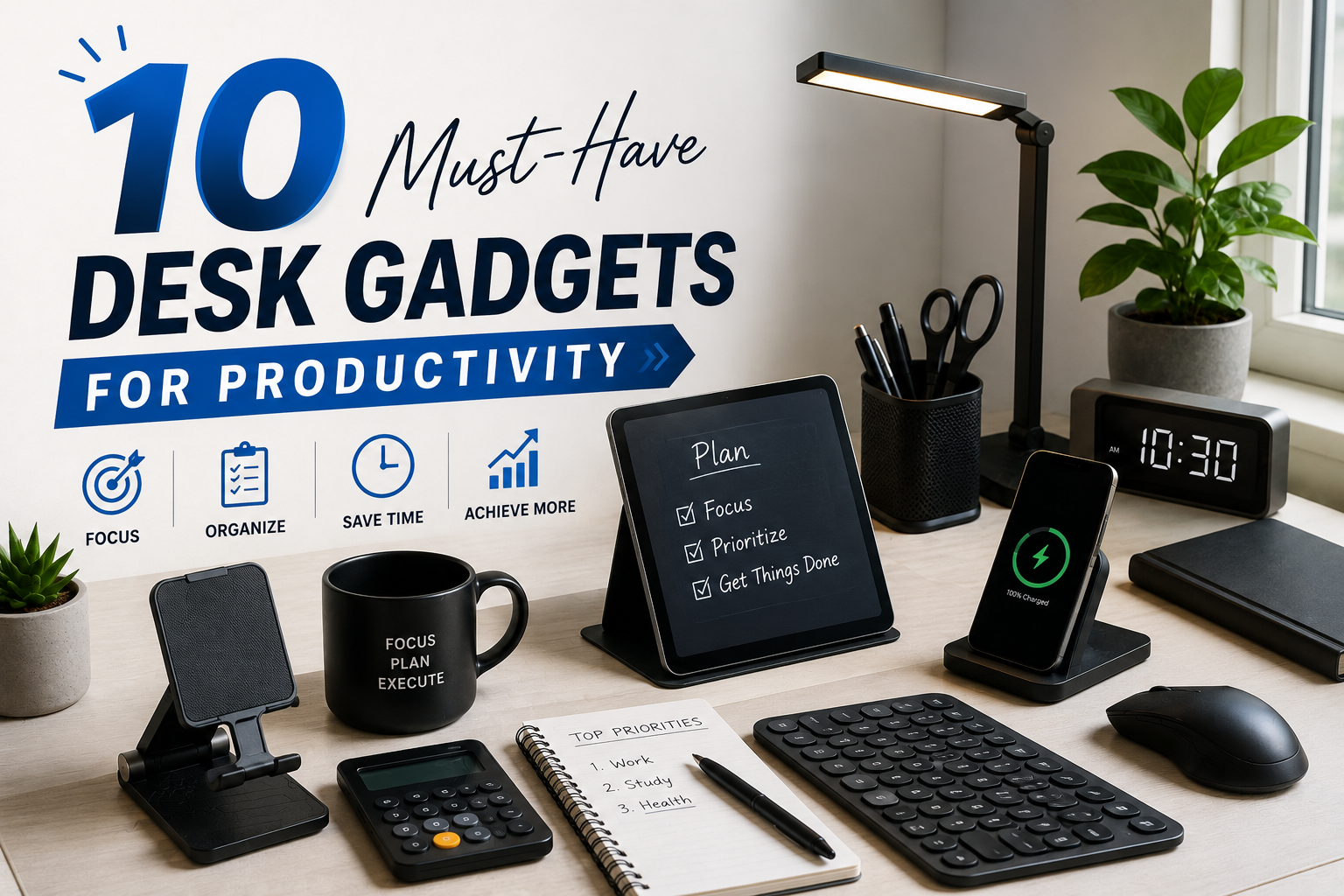
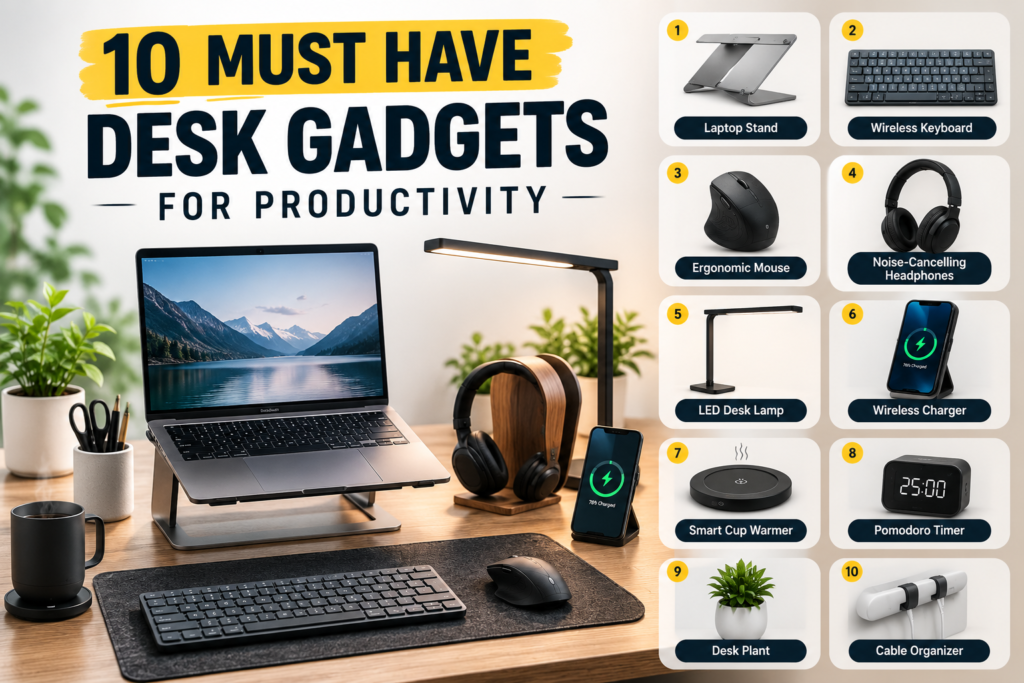
If you are looking to upgrade your workspace, here are 10 must-have desk gadgets for productivity that are worth considering.
Why Desk Gadgets Matter
Productivity is not just about working harder—it is about removing unnecessary obstacles.
The right desk accessories can:
- Reduce distractions
- Improve comfort
- Save time
- Organize your workspace
- Increase focus
- Make long work sessions less tiring
A cleaner, smarter desk often leads to a clearer mind.
1. Wireless Charging Pad
One of the biggest productivity killers is a dead phone.
A wireless charging pad keeps your smartphone powered throughout the day without dealing with messy charging cables. Simply place your phone on the pad whenever you are working.
Benefits
- Keeps your phone charged
- Reduces cable clutter
- Looks clean and modern
- Easy to use
Many wireless chargers now support fast charging for compatible smartphones.
2. Adjustable Laptop Stand
Working on a laptop for long hours can strain your neck and shoulders.
An adjustable laptop stand raises your screen to eye level, improving posture while creating extra space underneath for your keyboard or accessories.
Why it is useful:
- Better ergonomics
- Less neck pain
- Improved airflow keeps laptops cooler
- Creates a cleaner workspace
Pair it with an external keyboard and mouse for maximum comfort.
3. Mechanical or Ergonomic Keyboard
Your keyboard is one of the tools you use most every day.
A comfortable keyboard makes typing faster, reduces fatigue, and can even improve accuracy.
Mechanical keyboards provides satisfying feedback, while ergonomic keyboards are designed to reduce wrist strain during long typing sessions.
Advantages:
- Faster typing
- Better comfort
- Longer lifespan
- Improved productivity
4. Ergonomic Mouse
A standard mouse may seem fine until you have it for eight hours.
An ergonomic mouse supports your hand naturally, reducing wrist pain and repetitive strain injuries.
Many modern mice also include customizable buttons for shortcuts that save time.
Perfect for:
- Designers
- Programmers
- Writers
- Students
- Office workers
5. LED Desk Lamp with Adjustable Brightness
Poor lighting causes eye strain, headaches,and fatigue.
A modern LED desk lamp lets you adjust brightness and color temperature depending on your environment.
Some even include:
- USB charging ports
- Wireless charging
- Touch controls
- Auto brightness adjustment
Good lighting keeps your eyes comfortable during long work sessions.
6. Cable Management Box and Cable Clips
Messy cables make a desk look untidy and can even become distracting.
Cable organizers keep charging cords, power strips, and USB cables neatly arranged.
Popular options include:
- Cable sleeves
- Adhesive cable clips
- Cable boxes
- Under-desk trays
A tidy desk often encourages a tidy workflow.
7. Smart Desk Clock
A smart desk clock does much more than display the time.
Depending on the model, it may include:
- Weather updates
- Timers
- Calendar reminders
- Voice assistant integration
- Temperature display
Using timers can also improve productivity through techniques like the Pomodoro method.
8. Noise-Cancelling Headphones
Background conversation, traffic, and household noise can destroy concentration.
Noise-cancelling headphones help create a distraction-free environment, making it easier to focus on important tasks.
They are especially useful if you:
- Work remotely
- Study in public places
- Share an office
- Attend frequent virtual meetings
Many models also include excellent microphones for clearer online calls.
9. USB-C Docking Station
Modern laptops often have limited ports.
A docking station instantly expands your connectivity, allowing you to connect multiple devices from one hub.
Typical connections include:
- HDMI
- USB -A
- USB -C
- Ethernet
- SD card readers
- Audio ports
Instead of plugging in multiple cables every day, one connection does it all.
10. Digital Notebook or Smart Writing Pad
Sometimes writing ideas on paper is still the fastest way to think.
A digital notebook combines handwritten notes with cloud storage, allowing you to organize, search, and access your notes from multiple devices.
These gadgets are excellent for:
- Meeting notes
- Brainstorming
- Class lectures
- Daily planning
- Project management
You get the feel of writing by hand with the convenience of digital storage.
Tips for Creating a More Productive Desk
Even the best gadgets work better when combined with good workspace habits.
Here are a few additional tips:
- Keep only essential items on your desk.
- Clean your workplace regularly.
- Position your monitor at eye level.
- Take short break every hour.
- Use natural light whenever possible.
- Keep frequently used items within easy reach.
- Avoid eating over your keyboard.
- Invest in a comfortable chair to support good posture.
Small adjustments can make a significant difference over time.
How to Choose the Right Desks Gadgets
Not every gadget is necessary for everyone. Before buying ask yourself:
- Will this save me time?
- Will it improve my comfort?
- Does it reduce clutter?
- Will I use it every day?
- Is it compatible with my devices?
Prioritize gadgets that solve real problems rather than buying accessories simply because they look impressive.
The Future of Smart Workspaces
Desk gadgets continue to evolve as technology advances. Many modern accessories now feature AI-powered call, voice control, wireless connectivity, and automation.
Imagine a workspace where your desk lamp adjusts automatically based on the time of day, your charging pad powers multiple devices simultaneously, and your smart assistant reminds you to stretch or attend meetings.
As remote and hybrid work become more common, these intelligent tools are helping people build workspaces that are not only efficient but also healthier and more enjoyable.
Conclusion
Productivity is not about filling your desk with the latest gadgets—it is about choosing tools that genuinely improve the way you work. Whether it is wireless charging pad that keeps your phone powered, an ergonomic mouse that reduces strain, or a docking station that simplifies your setup, the right accessories can save time, reduce frustration and help you stay focused.
Start by identifying the biggest challenges in your workspace, then invest in gadgets that solve these problems. Over time, these small upgrades can create a cleaner, smarter, and more efficient desk that supports your goals every day. After all, a well-equipped workspace is not just about looking professional, it is about creating an environment where your best work can happen.