
 Your Laptop Was Faster Before What Changed?
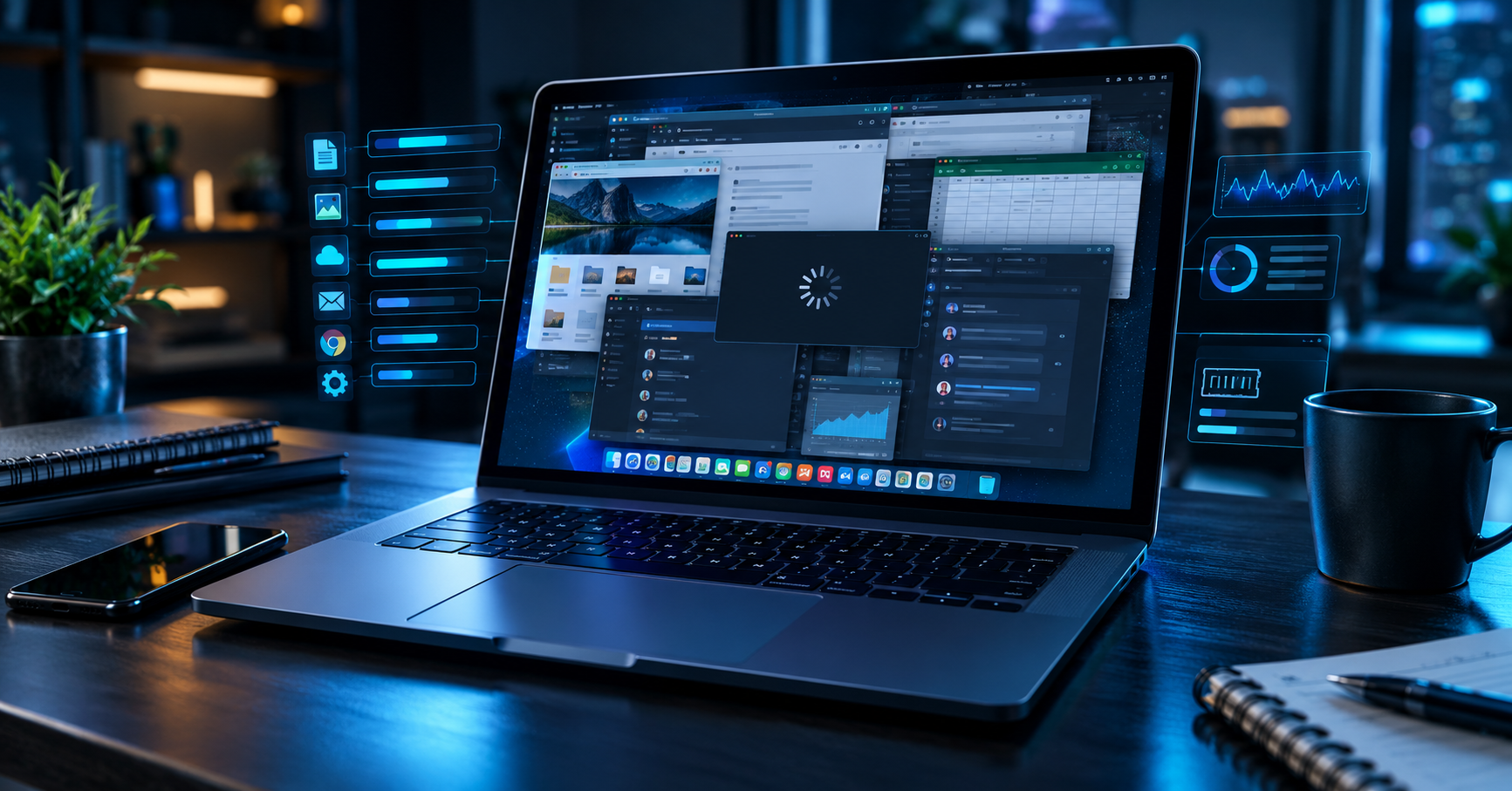
You open your laptop to finish an important task. You click your browser, wait a few seconds, and click again because nothing seems to be happening. Eventually, the browser opens but switching between tabs feels like waiting for a slow internet connection.
The frustrating part? This is the same laptop that once started in seconds and handled your everyday work without a struggle.
So, what happened?
Many people assume a slow laptop is simply getting old. Sometimes, age does play a role. But a computer that has become sluggish over time may be dealing with several smaller problems that have gradually accumulated.
Too many background applications, limited memory, insufficient storage space, and demanding software can all affect performance. The good news is that you do not always need a new laptop to solve the problem.
Let us look at what is happening behind the screen and what you can do about it.
1. Your Laptop Is Trying to Do Too Many Things at Once
Think about a person trying to prepare a meal while answering phone calls, checking messages, and searching for ingredients. Even someone who normally works quickly will struggle when too many tasks demand attention simultaneously.
Your laptop faces a similar challenge.
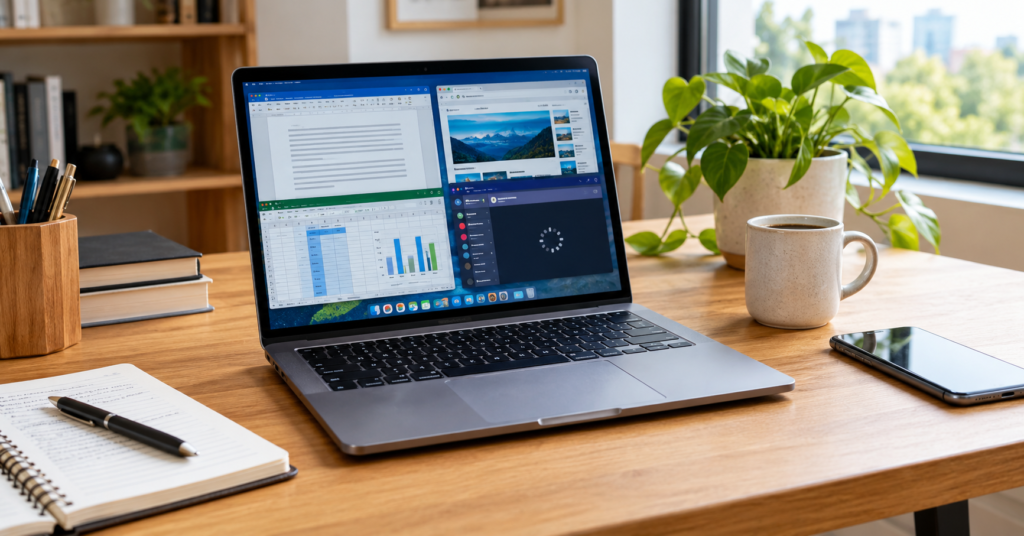
Every open application uses some of its available resources. A browser with struggle with several active tabs, a video call, an office application and background programs can compete for memory and processing power.
RAM or random access memory, is particularly important here. It provides temporary working space for the applications your laptop is currently using.
When available RAM becomes insufficient, your computer may move some data between memory and storage. Because storage is generally slower than RAM, switching between tasks can become less responsive.
What you can do: Close applications you are not using and reduce unnecessary browser tabs. If your laptop frequently struggles with ordinary multitasking, check whether adding more RAM is possible.
2. Your Storage Drive Is Running Out of Space
Your laptop stores much more than the documents you can see in your folders.
Applications, system files, updates, temporary data, downloaded videos, and old installation packages all occupy storage space.
Over time, these files can accumulate until your drive has very little room left.
Think of a small wardrobe filled with clothes you rarely wear. You can still find what you need, but every new item makes the task more difficult.
A nearly full drive can interfere with certain system operations, particularly when applications or updates need temporary working space. However, a full drive is not always the only reason a laptop slows down.
What you can do: Review your Downloads folder, remove applications you no longer use, and move large personal files to another secure storage location. Use your operating system’s storage settings to identify what occupies the most space.
Do not delete unfamiliar system files simply because they look unnecessary.
3. The Software Has Changed, Even If Your Laptop Has Not
A laptop bought several years ago may have been perfectly capable of handling the applications available at the time.
Since then, browsers may have added features, websites may have become more complex, and productivity applications may have introduced new tools that require additional resources.
Your laptop still has its original processor, memory capacity, and other hardware components. Meanwhile, the software it runs may have become more demanding.
It is similar to asking an older delivery vehicle to carry heavier loads every year. The vehicle has not necessarily become useless, but the job has changed.
What you can do: Remove unnecessary software, use lighter alternatives where practical, and check the system requirements of applications you depend on.
If your laptop struggles even after basic troubleshooting, its hardware may no longer be suitable for your workload.
4. Your Laptop Starts Working Before You Do
Have you ever switched on your laptop, gone to get a drink, and returned to find that it is still preparing itself for work?
One possible reason is that too many programs launch automatically during startup.
Some applications start in the background to check updates, synchronizes files, display notifications, or remain ready for use. A few are useful, but many may not need to start immediately.
When several programs launch together, they can compete for resources and delay the point at which your laptop becomes responsive.
What you can do: On Windows, open Task Manager and review Startup apps. On a Mac, check Login items under System Settings.
Disable unnecessary startup applications, but leave essential security tools and important system components alone.
5. Heat Can Force Your Laptop to Slow Down
Your laptop generates heat whenever its processor performs demanding work. Its cooling system helps remove that heat and keep the internal components within safe operating temperatures.
Problems arise when dust blocks ventilation, cooling fans struggle, or the laptop sits on a soft surface that restricts airflow.
When temperatures become too high, the computer may reduce its processing speed to protect its components. This is known as thermal throttling.
It can explain why a laptop feels reasonably fast when you first switch it on but becomes slower after playing games, editing videos, or running demanding applications.
What you can do: Place your laptop on a hard, flat surface and keep its ventilation openings clear. If it repeatedly overheats, shuts down unexpectedly, or makes unusual fan noises, consider having its cooling system inspected.
6. An Old Hard Drive May Be Holding Everything Back
Not every laptop stores information in the same way.
Some older computers use a traditional hard disk drive (HDD), which relies on moving mechanical parts to read and write data. Others use solid-state drives (SSDs), which store information electronically and generally access it much faster.
This difference can affect everyday activities such as starting the operating system, opening applications, and loading files.
An older laptop with a HDD may feel painfully slow even when it has enough memory for basic tasks.
Replacing the HDD with a compatible SSD can make a noticeable difference to responsiveness.
What you can do: Find out which type of drive your laptop uses. If it has a HDD, an SSD upgrade may be worthwhile, provided the laptop supports it and the cost makes sense.
Backup your important files before making hardware changes.
7. Background Errors and Unwanted Software May Be Getting in the Way
Sometimes, a laptop becomes slow because a particular application is malfunctioning or consuming too many resources.
An unfinished update, unwanted program, or excessive background activity can also contribute to poor performance. Malware is another possibility, although slow performance alone does not prove that your laptop has been infected.
The important thing is to investigate rather than assume.
What can you do: Restart your laptop, install appropriate system updates, and check resource usage in Task Manager or Activity Monitor. If you suspect malware, run a scan with a reputable security tool.
Be cautious with applications that promise to make your laptop dramatically faster with one click. Many are not necessary, and some introduce additional problems.
Common Questions About Slow Laptops
Is my laptop slow because I have too many tabs open?
Yes, that can be a contributing factor. Browser tabs use memory, and some websites consume considerably more resource than others.
If your laptop has limited RAM, keeping dozens of tabs open may make switching between applications slower. Close unnecessary tabs and check whether performance improves.
Does a full storage drive affect laptop performance?
It can. A drive with very little free space may leave insufficient room for temporary data and certain system operations.
Remove unnecessary files and check your available storage. If performance remains poor, investigate other possible causes, including insufficient RAM, an older HDD, and overheating.
Should I repair my old laptop or buy a new one?
Start by identifying the actual problem.
If the laptop needs more memory or a faster storage drive, a relatively affordable upgrade may extend its useful life. Basic maintenance may also resolve problems caused by unnecessary applications or blocked ventilation.
However, replacement may make more sense if the hardware is failing, the laptop cannot run essential software, or repairs would cost too much compared with a suitable replacement.
Final Thoughts: A Slow Laptop Does Not Always Need Replacing
When a laptop becomes frustrating slow, buying a new one can seem like the easiest solution. But before spending your money, take a moment to understand what is causing the problem.
Perhaps too many applications are running. Perhaps your storage is nearly full, your cooling system needs attention, or your hardware can no longer keep up with modern software.
Each problem requires a different solution, which is why identifying the cause matters more than trying every speed-up trick you find online.
Start with simple checks, make one change at a time, and observe whether performance improves.
Sometimes, your laptop needs an upgrade. Sometimes, it needs maintenance. And sometimes, it simply needs you to stop asking it to do twenty things at once.
The smartest way to make an old laptop faster is not to replace it instantly. It is to understand what is slowing it down first.