Beyond the Resume: Why Every Professional Needs a Digital Portfolio
Your Digital Portfolio is Your Online First Impression
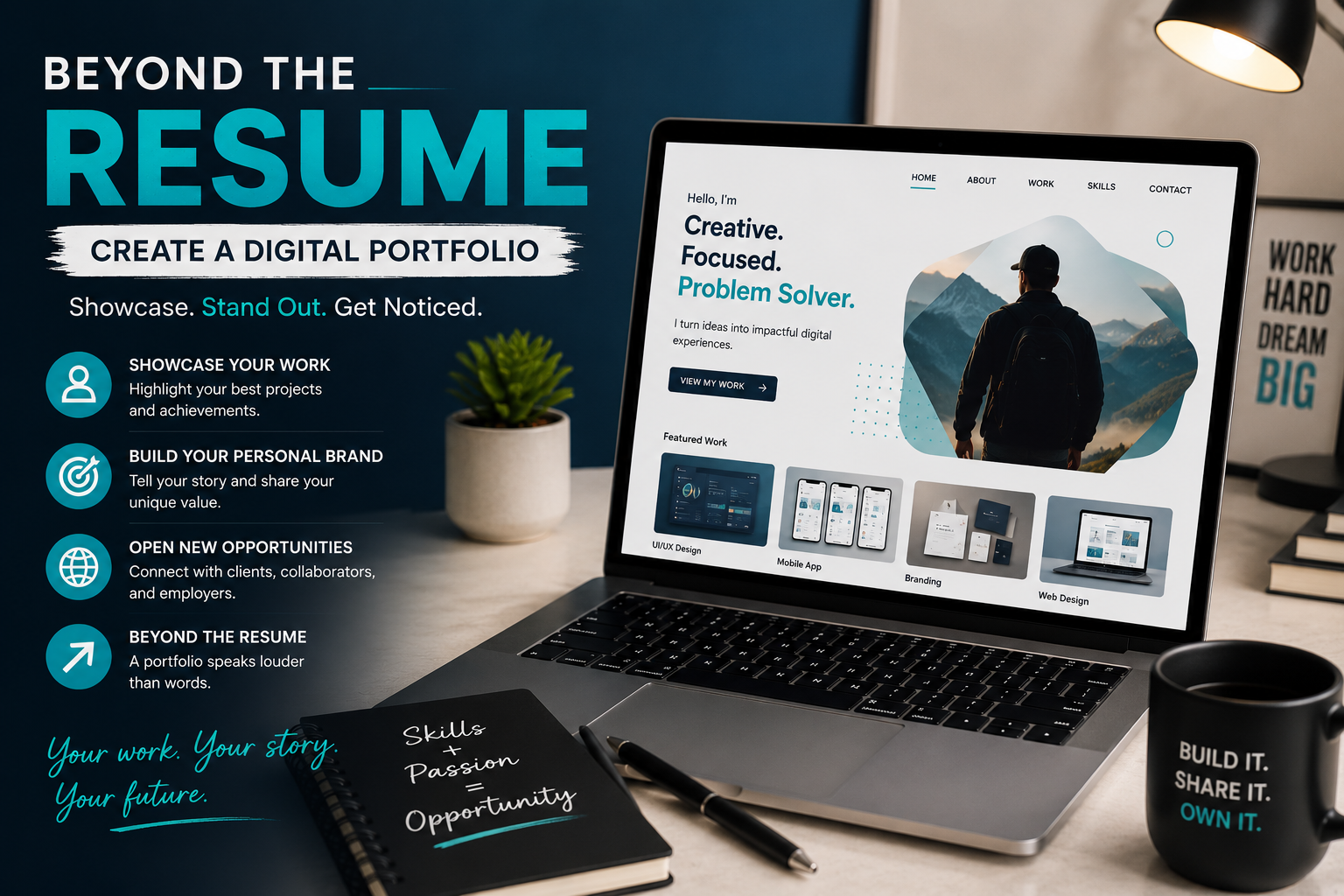
Imagine applying for your dream job or pitching your services to a client. Instead of sending only a resume, you share a single link that instantly showcase your skills, experience, creativity, and achievements. Within minutes, the person reviewing it gains a clear understanding of what you can do and why you are the right choice.
That is the power of digital portfolio.
In today’s digital world, employers and clients often search online before making hiring decisions. A well-crafted portfolio helps you stand out from the crowd by providing proof of your abilities rather simply listing them on a resume. Whether you are a student, freelancer, writer, graphic designer, software developer, photographer, marketer or entrepreneur, a digital portfolio can become one of your most valuable career tools.
The amazing part is that creating one does not require advanced technical skills. With the right planning and organization, anyone can build a professional online portfolio that leaves a lasting impression.
What Is a Digital Portfolio?
A digital portfolio is an online collection of your work, achievements, skills, certifications, and professional experiences. It serves as a central place where employers, clients, collaborators, or educators can learn more than you.
Unlike a traditional resume, which is often limited to one or two pages, a digital portfolio allows you to demonstrate your expertise through visuals, videos, documents, presentations, testimonials, and project descriptions.
Think of it as your personal brand on the internet.
Why You Need a Digital Portfolio
Having a digital portfolio offers several advantages.
It allows you to:
- Showcase your best work.
- Build credibility.
- Demonstrate your practical skills.
- Differentiate yourself from competitors.
- Increase your chances of getting hired.
- Attract freelance clients.
- Build your personal brand.
- Make networking easier.
Instead of telling people what you can do, your portfolio lets you show them.
Step 1: Identify Your Goal
Before creating your portfolio, determine its purpose.
Ask yourself:
- Ask you looking for a job?
- Do you want freelance clients?
- Are you applying for internships?
- Are you showcasing academic projects?
- Do you want to attract business opportunities?
Knowing your goal helps you decide what content to include and how to organize it.
Step 2: Choose the Right Platform
These are many platforms that make building a portfolio easy.
Some popular options include:
WordPress
Ideal for bloggers, marketers, writers, and business professionals.
Wix
Perfect for beginners who want drag-and-drop customization.
Webflow
Suitable for designers who want complete creative control.
Canva Portfolio
Simple and beginner-friendly.
GitHub Pages
Excellent for programmers and software developers.
Behance
Designed for graphic designers, photographers, and creative professionals.
Choose the platform that best matches your profession and technical skills.
Step 3: Choose a Professional Design
Your portfolio should look clean and organized.
Keep these design principles in mind:
- Use readable fonts.
- Stick to two or three colors.
- Maintain consistent spacing.
- Avoid clutter.
- Use high-quality images.
- Ensure mobile responsiveness.
- Make navigation simple.
Remember, your work should attract attention not distracting design elements.
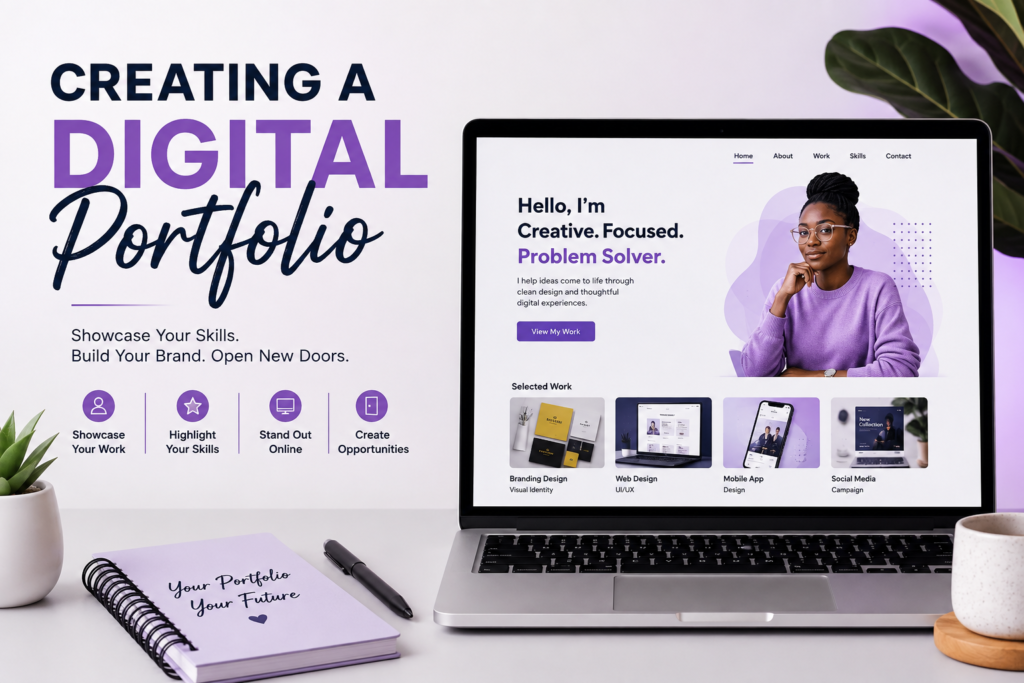
Step 4: Create an Engaging Homepage
Your homepage is often the first thing visitors see.
Include:
- your name
- Professional title
- Short personal statement
- Professional photo (optional)
- Call-to-action button
For example:
“Helping businesses grow through creative digital marketing and consistent strategy.”
Keep it short , clear, and memorable.
Step 5: Write an Effective About Me Section
People want to know who they are working with.
Your About page should explain:
- Who you are
- What you do
- Your experience
- Your passions
- Your career goals
Avoid writing your life story.
Instead, focus on what makes you unique professionally.
Step 6: Showcase Your Best Projects
This is the heart of your portfolio.
Choose quality over quantity.
For every project, add:
Project title
Give each project a descriptive name.
Problem
What challenge needed solving?
Solution
Explain what you created.
Your role
Clarity exactly what you contributed.
Tools used
Mention relevant software or technologies.
Examples are:
- Photoshop
- Canva
- WordPress
- Figma
- Python
- Excel
- Google Analytics
Results
Whenever possible, include measurable outcomes.
Examples:
- Increased website traffic by 40%
- Designed a logo for startup
- Build an e-commerce website
- Managed a successful social media campaign
Real results make your portfolio far more convincing.
Step 7: Include Your Skills
Create a dedicated skills section.
Separate them into categories.
Technical Skills
- HTML
- CSS
- JavaScript
- Graphic Design
- SEO
- Data Analysis
- UI/UX Design
- Microsoft Office
Soft Skills
- Communication
- Teamwork
- Leadership
- Problem-solving
- Time Management
- Creativity
Only list skills you genuinely possess
Step 8: Add Certifications and Achievements
Certifications strengthen your credibility.
Include:.
- Online courses
- Professional certificates
- Awards
- Scholarships
- Competition wins
- Workshops attended
Mention the issuing organization and completion date.
Step 9: Upload Your Resume
Make your resume easy to find.
Offer it in PDF format so visitors can download it quickly.
Ensure your resume matches the information in your portfolio.
Consistency builds trust.
Step 10: Add Testimonials
Recommendations increase confidence.
Ask former clients, employers, lectures, or colleagues to provide short testimonials.
Good testimonials usually mention:
- Professionalism
- Reliability
- Communication
- Quality of work
- Problem-solving abilities
Authentic feedback adds social proof to your portfolio.
Step 11: Create a Contact Page
Do not make people search for your contact information.
Include:
- Email address
- LinkedIn profile
- GitHub (if applicable)
- Portfolio contact form
- Professional social media accounts
The easier it is to contact you, the more opportunities you will receive.
Step 12: Optimize for Mobile Devices
Many employers browse portfolios using smartphones.
Before publishing, test your portfolio on different devices.
Check that:
- Images load properly.
- Text is readable.
- Buttons work.
- Navigation is smooth.
- Pages load quickly.
A mobile-friendly portfolio creates a better user experience.
Step 13: Improve Search Visibility
If your portfolio is public, basic SEO can help people discover it.
Some best Practices include:
- Use descriptive page titles.
- Add keywords naturally.
- Optimize image sizes.
- Write meaningful project descriptions.
- Include alt text for images.
- Use clear headings.
SEO can help recruiters and potential clients find your work online.
Step 14: Keep Your Portfolio Updated
Your portfolio is not something you create once and forget.
Update it regularly by:
- Adding recent projects.
- Removing outdated work.
- Updating certifications.
- Refreshing your resume.
- Replacing weaker projects with stronger ones.
An updated portfolio shows continuous growth.
Common Mistakes to Avoid
Many people unintentionally weaken their portfolios.
Avoid these mistakes:
- Including too many mediocre projects.
- Using poor-quality images.
- Writing long paragraphs.
- Ignoring spelling and grammar.
- Having broken links.
- Using outdated information.
- Making navigation confusing.
- Forgetting contact information.
A polished portfolio reflects professionalism.
Essential Tools for Creating a Digital Portfolio
Several tools can make the process easier.
- Canva for graphics and presentations.
- WordPress for building websites.
- Google Drive for sharing documents.
- Figma for UI/UX designs.
- GitHub for coding projects.
- Adobe Express for visual content.
- Notion for organizing work.
Choose tools that match your career path and skill level.
Who Should Have a Digital Portfolio?
A digital portfolio is not just for designers.
It is valuable for:
- Students
- Teachers
- Writers
- Software developers
- Engineers
- Graphic designers
- Photographers
- Virtual assistants
- Content creators
- Digital Marketers
- Data analysts
- Architects
- Business professionals
- Entrepreneurs
Almost every profession benefits from having an online presence.
Your Portfolio Is Never Truly Finished
The most effective digital portfolio evolve alongside your career. Every new project, certifications, achievement, or skill you gain is another opportunity to strengthen your professional story. Rather than aiming for perfection before publishing, focus on creating a portfolio that reflects where you are today and commit to improving it over time.
Remember, your portfolio is more than just a collection of work, it is a reflection of your growth, potential, and dedication. Start with what you have, Showcase your best work with confidence, and continue refining it as your experience expands. A strong digital portfolio can become the bridge that connects you with exciting career opportunities, valuable clients, and long-term professional success.