
 IP Address Explained: The Invisible System That Keeps the Internet Moving
The Internet Has an Address Book
Every time you open a website, send a message, stream a video, or connect your laptop to Wi-Fi, your device participate in a massive exchange of digital information.
But there is a problem: How does the internet know where that information should go?
The answer begins with something most people rarely think about: An IP address.
Much like a postal system needs addresses to deliver letters, computer networks need addresses to deliver data. Behind every website request, video call, online payment, and software update is a system quietly identifying devices and networks and directing packets of information towards their destination.
An IP address is therefore more than a string of numbers. It is part of the invisible addressing system that allows billions of devices and networks to communicate.
So, what is an IP address, exactly–and what can it reveal about you?
What Is an IP Address? The Digital Passport
An IP address, short for internet protocol address, is a numerical identifier assigned to an interface connected to an IP network.
Think of it as a mailing address for network communication.
If you send a physical package, the postal system needs a destination address. When your device requests information from another computer, the network needs an address for routing that information.
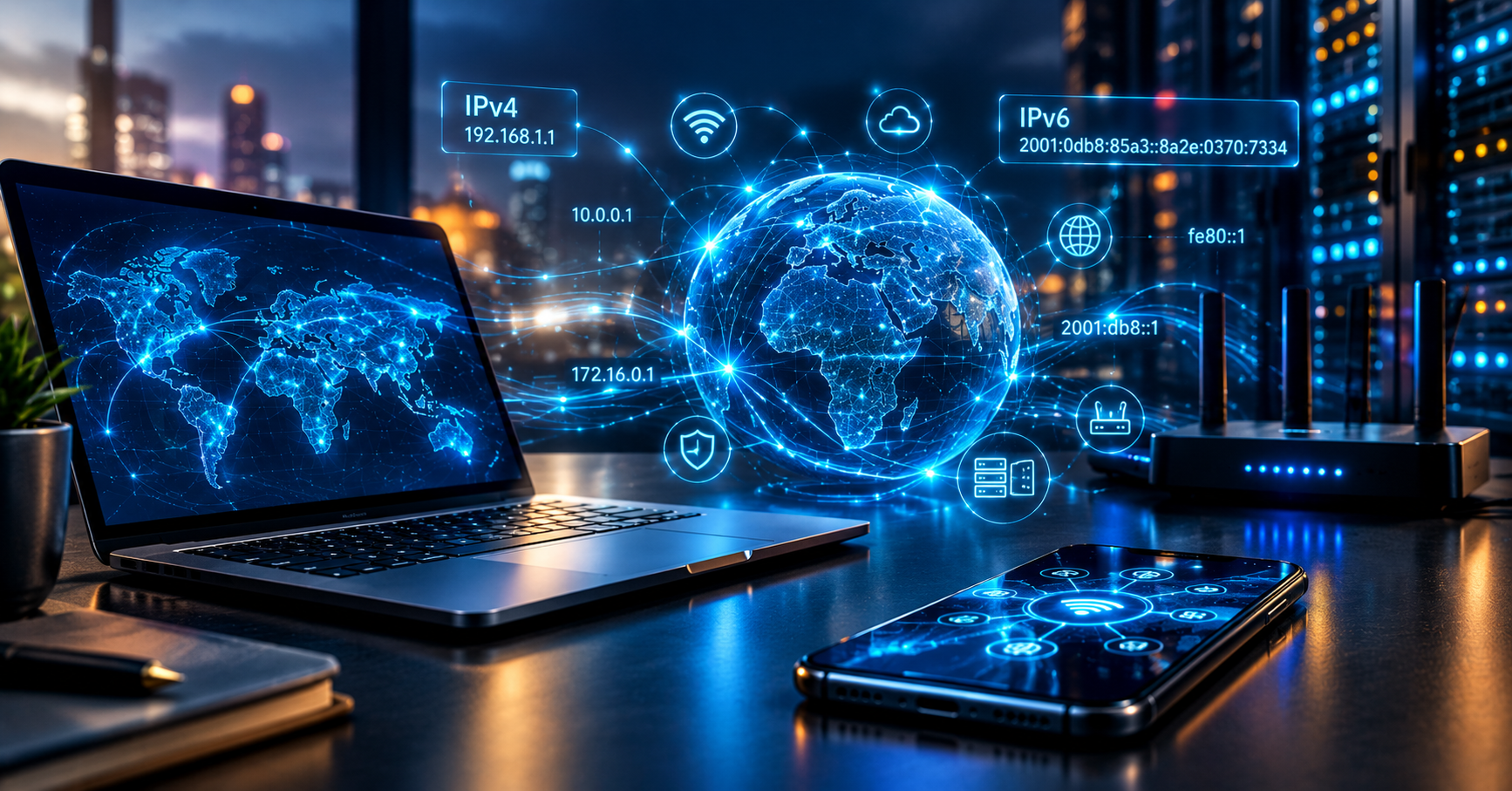
For example, an IPv4 address might look like:
192.168.1.25
The four numbers are called octets, and each can range from 0 to 255.
Your IP address does not essentially identify your individual device to the entire internet, however. In a typical home network, your router may have a public IP address visible to the internet while your phone, laptop, television, and other devices use private IP addresses inside the home network.
The distance becomes important when understanding public and private IP addresses.
IPv4 IPv6: The Great Number Crunch
For years, the internet primarily relied on IPv4, the fourth version of the Internet Protocol.
IPv4 uses 32-bit addresses, providing roughly 4.3 billion possible addresses. That sounded enormous when the system was designed, but the modern internet eventually made that number look surprisingly small.
Computers multiplied. Smartphones exploded in popularity. Businesses connected more equipment to networks. Cloud computing, smart televisions, security cameras, vehicles, and other connected devices added even more demand.
The internet needed a much larger address space.
Enter IPv6.
IPv6 provides 128-bit addresses, creating an extraordinary large address space—approximately 340 undecillion possible addresses.
That is enough room for the internet to continue expanding for an extremely long time.
IPv6 also introduces improvements to network configuration and packet handling. Importantly, IPv4 and IPv6 are not simply two versions where one instantly replaced the other. Both continue to operate, and networks often use dual-stack configuration, allowing devices to communicate using either protocol where supported.
Public vs Private IP Addresses: Two Different Worlds
Your home network can contain several connected devices, but the outside internet does not normally see each device as having its own separate public address.
Instead, your router commonly sits between your private network and the wider internet.
Private IP addresses
Private addresses are used within local networks.
Common IPv4 private ranges include:
- 10.0.0.0-10.255.255.255
- 172.16.0.0-172.31.255.255
- 192.168.0.0-192.168.255.255
Your phone might receive an address such as 192.168.1.20, while your laptop gets 192.168.1.21.
These addresses are not globally routable across the public internet.
Public IP addresses
Your router may have a public IP address assigned by your internet service provider.
When your laptop visits a website, the router commonly uses Network Address Translation (NAT) to translate traffic between private addresses inside your network and the public-facing address used externally.
Think of an apartment building.
Each apartment has its own internal number, but visitors outside may only know the building’s street address. NAT performs a somewhat similar addressing function for many home networks.
Dynamic vs Static IP Addresses
Not every IP address stays the same.
Dynamic IP addresses
A dynamic IP address can change over time.
Most ordinary residential internet connections use dynamically assigned addresses. Your internet service provider can allocate an address to your connection and later assign a different one.
This approach allows providers to manage address resources efficiently without permanently assigning every customer the same address.
For everyday internet users, this usually happens invisibly.
Static IP addresses
A static IP address is intended to remain fixed.
Static addresses can be useful for systems that need a consistent network destination, such as certain servers, business services, remote-access systems, and network infrastructure.
Imagine trying to run a shop while your street address changes every morning. Customers would have a difficult time finding you.
Some internet services have essentially the same problem. A stable address can make certain network services easier to locate and manage.
IP Address Location: How Much Can It Actually Reveal?
This is where IP addresses often become misunderstood.
An IP address can provide information about the network or internet provider associated with a connection, and IP geolocation databases can often estimate a general geographic area.
But an IP address is not a GPS coordinate.
Depending on the network and the quality of the geolocation database, an IP address may point to a country, region, city, or sometimes an approximate location associated with an ISP or network facility.
It generally cannot, by itself, reliably tell someone your exact house, apartment, or physical position.
This distinction matters when searching for IP address location information online. A website displaying a location on a map does not necessarily mean it has discovered your precise physical location.
What about VPNs.
A VPN (Virtual Private Network) can change the public IP address that websites see.
Instead of your traffic appearing to originate directly from your usual internet connection, it can appear to come from the VPN server.
For example, you might physically be in one country while a website sees an IP address associated with a VPN server in another country.
However, a VPN does not make someone magically invisible online. Websites can still use other signals, including cookies, account information, browser characteristics, device information, and other tracking technologies.
An IP address is only one piece of the privacy puzzle.
Why IP Addresses Matter More Than You Think
When next you open a browser, imagine the internet as an immense postal network operating at electronic speed.
Your device creates packets of information. Routers examine addressing information and make decisions about where those packets should travel. Networks exchange routing information, forwarding traffic through multiple systems until it reaches the appropriate destination.
You rarely see this process.
And that is precisely the point.
Good infrastructure disappears into the background.
Conclusion: The Address System Behind the Connected World
An IP address is one of the fundamental building blocks of internet communication.
IPv4 created the addressing foundation of the modern internet, while IPv6 provides the vast address space needed for its continued expansion. Public and private addresses allow networks to organize devices internally while communicating with the outside world, while dynamic and static addressing serve different practical needs.
Understanding IP addresses also makes online privacy easier to understand. Your IP can reveal useful information about your network and approximate geographic area, but it is not a digital GPS tracker.
The internet may feel instantaneous and almost invisible, but underneath every click is an intricate system of addresses, routes, and routing decisions.
The web does not simply know where information should go. It has an addressing system that makes finding the way possible.