
Before Smartphones Took Over, Battery Life Was Not Something Most People Worried About
There was a time when mobile phones were built for one purpose— to make calls and send text messages. In the late 1990s and early 2000s, devices like the Nokia 3310 became famous not because they had powerful cameras or stunning displays, but because a single charge could last for days, sometimes even a week. Charging your phone every night was not part of most people’s routines, and carrying a power bank was almost unheard of.
As technology evolved, so did our expectations. Phones transformed from simple communication tools into pocket-sized computers. They became our cameras, maps, music players, gaming consoles, digital wallets, and personal assistants.Touchscreens replaced physical keypads, processors became faster, displays grew brighter and sharper, and apps connected to the Internet every second of the day.
While these innovations made smartphones more powerful than ever, they also introduced a new challenge: battery life. Modern smartphones perform countless tasks behind the scenes, from syncing emails and backing up photos to tracking locations and delivering real-time notifications. Even when sitting idle in your pocket, your phone is constantly working, quietly consuming power.
This is why many users find themselves searching for a charger long before the day is over. The issue is not always a faulty battery, it is often the result of how today’s smartphones are designed and how we use them. Understanding why your phone’s battery drains so quickly is the first step toward making every charge last longer.
Your Battery Is Working Even When You Are Not
Many people believe their phone only uses battery when they are actively using it.
That is far from the truth.
Even while your phone sits quietly in your pocket or on your desk, it continues to perform dozens of tasks in the background. It checks for new emails, syncs photos to cloud storage, downloads app updates, refreshes social media feeds, backs up files, tracks your location, and searches for stronger network connections.
Each of these activities uses a small amount of power. On their own, they may seem insignificant, but together they can drain a surprising amount of battery before you even unlock your screen.
What you can do
- Limit background activity for apps you rarely use.
- Turn off automatic syncing for non-essential apps.
- Close apps that constantly refresh in the background.
- Restart your phone occasionally to stop unnecessary processes.
The Screen: Your Biggest Battery Consumer
If your battery had a spending chart, the display would almost always sit at the top.
Modern smartphones feature large, bright, high-resolution screens that produce beautiful colors and smooth animations. While they look amazing, they also require a significant amount of energy.
The brighter your screen, the harder your battery has to work.
If your brightness stays at maximum all day, your battery won’t last nearly as long as it could.
Extend your screen time
- Enable Auto-Brightness.
- Lower brightness manually when indoors.
- Reduce screen timeout to 30 seconds.
- Use Dark Mode if your phone has an OLED or AMOLED display.
- Avoid keeping the screen on unnecessarily while reading or chatting.
Background Apps Never Really sleep
Many apps continue running long after you have stopped using them.
Social media apps refresh timelines.
Messaging apps look for new conversations.
Navigation apps monitor your location.
Music apps check for downloads.
Fitness apps count your steps.
Cloud storage apps upload your photos.
Each app consumes a little power. When dozens of apps work simultaneously, battery life drops much faster.
Check your battery usage
Both Android and iPhone allow you to view battery usage by app.
If one app consistently appears at the top of the list, consider:
- Restricting background activity
- Updating the app
- Reinstalling it if it behaves abnormally
- Removing it if you no longer use it
Poor Signal Strength Drains Your Battery
This is one of the least understood causes of battery drain.
When you are in an area with weak cellular coverage, your phone works much harder to maintain a connection. It repeatedly communicates with nearby towers while increasing its transmission power.
The weaker the signal, the harder your phone works.
You will notice faster battery drain in places like:
- Underground parking garages
- Elevators
- Rural areas
- Airplanes before takeoff
- Buildings with thick concrete walls
Save battery during poor reception
If you do not need mobile service temporarily:
- Enable Airplane Mode.
- Connect Wi-Fi whenever possible.
- Avoid repeatedly refreshing Internet-based apps.
Notifications Add Up Faster Than You Think
Notifications seem harmless.
A message arrives.
Your screen lights up.
Your phone vibrates.
An app connects to to the internet.
Your processor wakes up.
The notification appears.
Now imagine this happening hundreds of times every day.
Those tiny interruptions quietly consume battery power.
Reduce unnecessary notifications
Ask yourself:
Do you really need instant alerts from shopping apps, games, whether apps, or every social media platform?
Turning off unnecessary notifications not only saves battery but also reduce distractions.
GPS Can Drain Your Battery Quickly
Location services are incredibly useful.
Without GPS, maps would not work, ride-sharing apps could not find you, and weather apps would not know where you are.
However, constantly tracking your location requires power.
Some apps request location even when you are not using them.
Better location settings
Review app permissions regularly.
Instead of allowing permanent location access, choose:
- Allow only while using the app.
- Ask every time.
- Never, if location is not necessary.
These small changes often improve battery life immediately.
Heat Is a Silent Battery Killer
Batteries dislike heat.
Leaving your phone in direct sunlight or inside a hot car can permanently reduce battery capacity.
Heat does not just affect today’s battery, it shortens it’s lifespan over months and years.
Phones also become warm during:
- Gaming
- Recording 4K video
- Fast charging
- Video calls
- Wireless charging
A little warmth is normal.
Extreme heat is not.
Whenever possible, remove thick cases while charging and avoid charging in hot environments.
Charging Habits Make a Difference
Many people grew up believing batteries should always be charged from 0% to 100%.
That advice applied to much older battery technology.
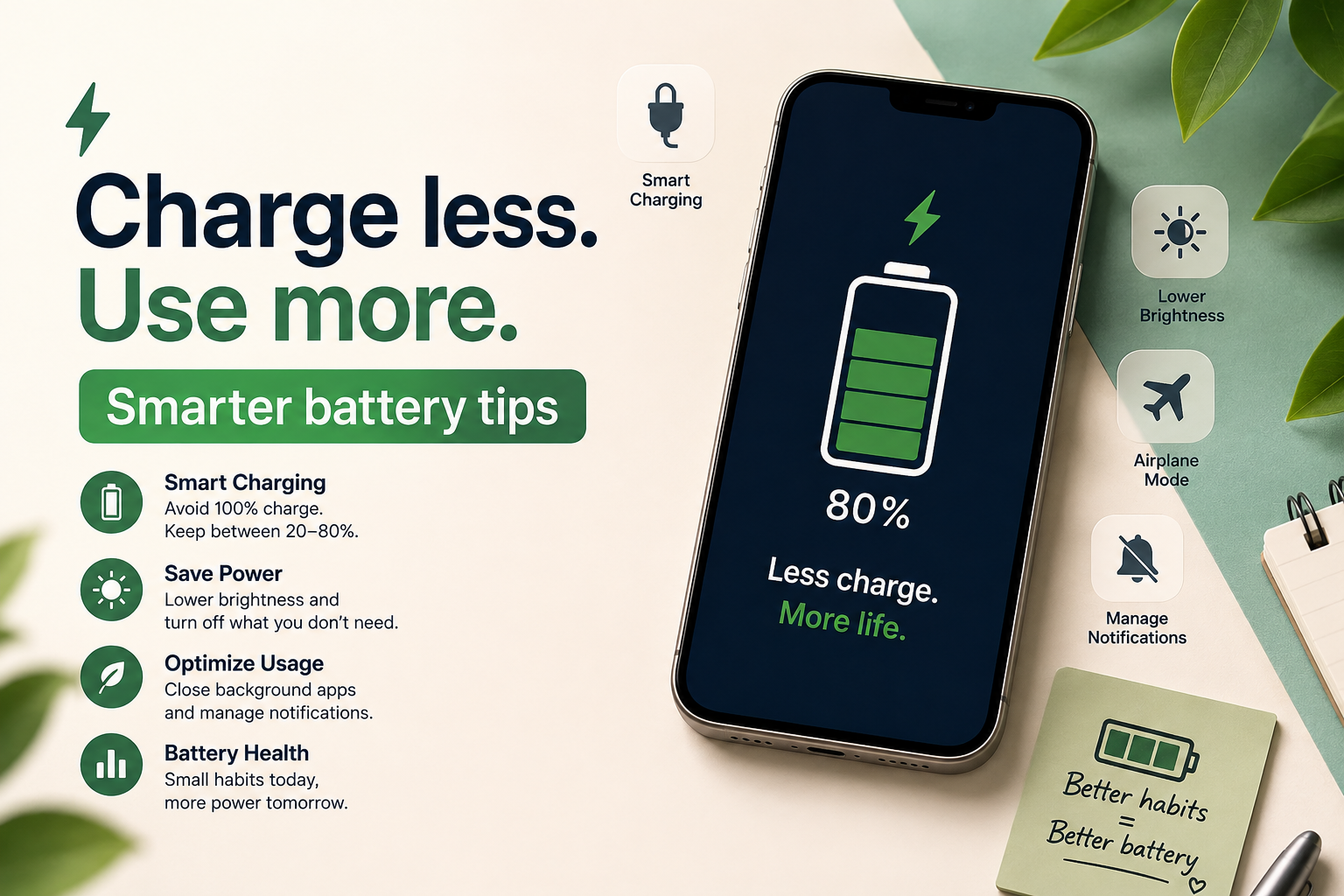
Modern smartphones use lithium-ion batteries, which perform best when they avoid frequent deep discharges.
Better charging habits
Try to:
- Recharge before reaching to 20%.
- Disconnect around 80-90% when practical.
- Avoid leaving your phone in for long periods after reaching 100%.
- Use high-quality chargers recommended for your device.
Perfect charging is not necessary every day, but better habits help preserve battery health.
Software Updates Often Improve Battery Life
Skipping updates may seem harmless, but software improvements often include battery optimizations.
Manufacturers regularly improve:
- Power management
- App efficiency
- Background processing
- Security
- System performance
Likewise, app developers release updates to reduce unnecessary battery consumption.
Keeping both your operating system and apps updated helps your phone run more efficiently.
Widgets and Live Wallpapers
Animated wallpapers and constantly updating widgets may look impressive, but they require your processor and display to remain active more often.
Widgets showing:
- Weather
- News
- Cryptocurrency prices
- Sports scores
- Calendar updates
Refresh throughout the day.
If battery life matters more than appearance, use only the widgets you genuinely need.
Bluetooth, Wi-Fi, and NFC
Modern phones manage wireless connections much more efficiently than older models.
However, keeping every wireless feature enabled all day still consumes energy.
Turn off:
- Bluetooth when you are done using headphones or speakers.
- NFC if you rarely make contactless payments.
- Personal Hotspot when it is no longer needed.
You do not have to constantly switch everything on and off, but disabling unused features can help.
Gaming and Streaming Consume Massive Power
Some activities naturally require more energy.
Playing graphic-intensive games, watching videos at maximum brightness, editing photos, and recording high-resolution videos all push your processor, graphics chip, and screen to work harder.
Battery drain during these tasks is normal.
If you are traveling or will not have access to a charger, consider lowering graphics settings in games or downloading videos over Wi-Fi instead of streaming them continuously.
Battery Saver Mode Is Not Just for Emergencies
Many people wait until their battery reaches 10% before enabling Battery Saver.
In reality, it can be useful much earlier.
Battery Saver reduces:
- Background syncing
- Visual effects
- Processor activity
- Automatic updates
The result is noticeably longer battery life.
If you know you will be away from a charger all day, turning it on early is a smart decision.
When the Problem is the Battery Itself
Sometimes the issue is not your habits.
Every rechargeable battery gradually loses capacity overtime.
After hundreds of charging cycles, batteries naturally store less energy than when they were new.
Signs of battery aging include:
- Sudden drops in battery percentage.
- Unexpected shutdowns.
- Excessive heat.
- Multiple charges needed each day.
- Noticeably shorter battery life despite optimization.
If your phone is several years old, replacing the battery may restore much of its original performance.
Common Battery Myths
Let us clear up a few common misconceptions.
Myth: Closing every app always saves battery.
Reality: Frequently reopening apps can sometimes use more power than leaving them suspended.
Myth: Charging overnight instantly damages your battery.
Reality: Most modern smartphones intelligently manage charging. Therefore, leaving your phone plugged in every night for years may contribute to gradual battery aging.
Myth: Third-party battery-saving apps dramatically improve battery life.
Reality: Many of these apps simply close background apps or display advertisements. Your phone’s built-in battery management tools are usually more effective.
Simple Daily Habits That Make a Big Difference
If you only remember a few tips, make them these:
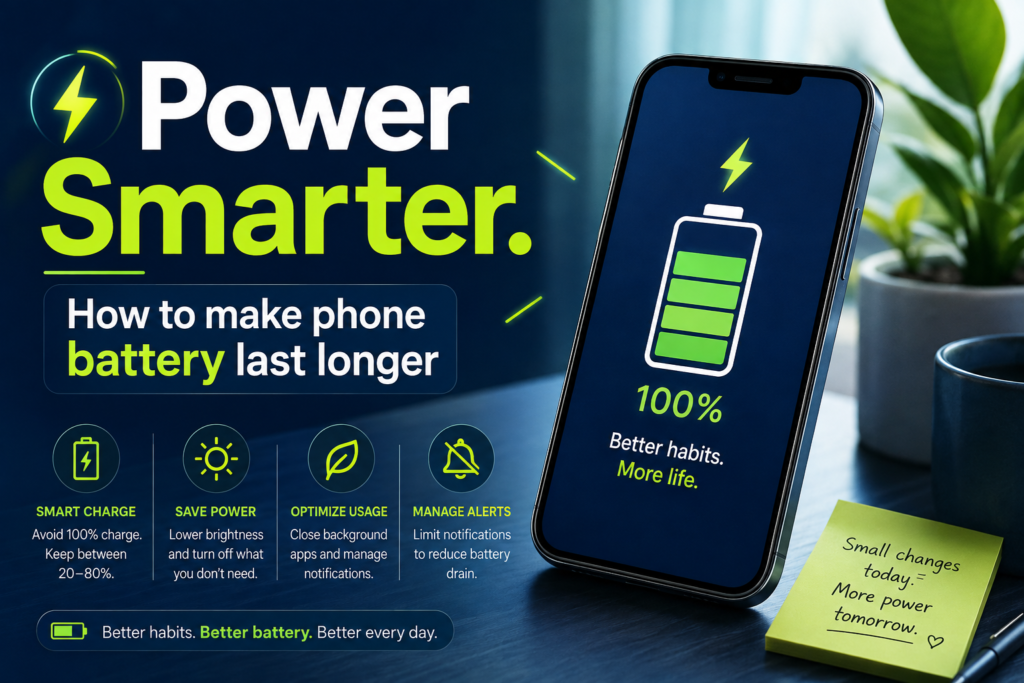
- Lower your screen brightness.
- Enable Auto-Brightness.
- Use Battery Saver when needed.
- Keep apps updated.
- Limit background activity.
- Turn off unnecessary notifications.
- Use Wi-Fi whenever available.
- Avoid excessive heat.
- Review battery usage regularly.
- Charge your phone responsibly.
None of these habits requires special knowledge, but together they can significantly improve battery life.
Final Thoughts: Every Percentage Counts
Your smartphone is one of the hardest-working devices you own. From the moment you wake up until you go to bed, it manages calls, messages, navigation, entertainment, banking, shopping, work, and much more. It is no surprise that it’s battery faces constant demands.
The encouraging news is that you do not need to carry a power bank everywhere or replace your phone the moment it’s battery seems to drain quickly. By understanding what uses the most power and making a few thoughtful changes—such as reducing screen brightness, managing background apps, using Battery Saver, avoiding excessive heat, and adopting healthier charging habits—you can get more out of every charge.
Think of your battery as a daily energy budget. The smarter you spend it, the longer your phone will stay powered when you need it most.
A few small adjustments today can save you countless moments of frustration tomorrow, helping your phone stay reliable from your first morning notification to your last message before bed.