
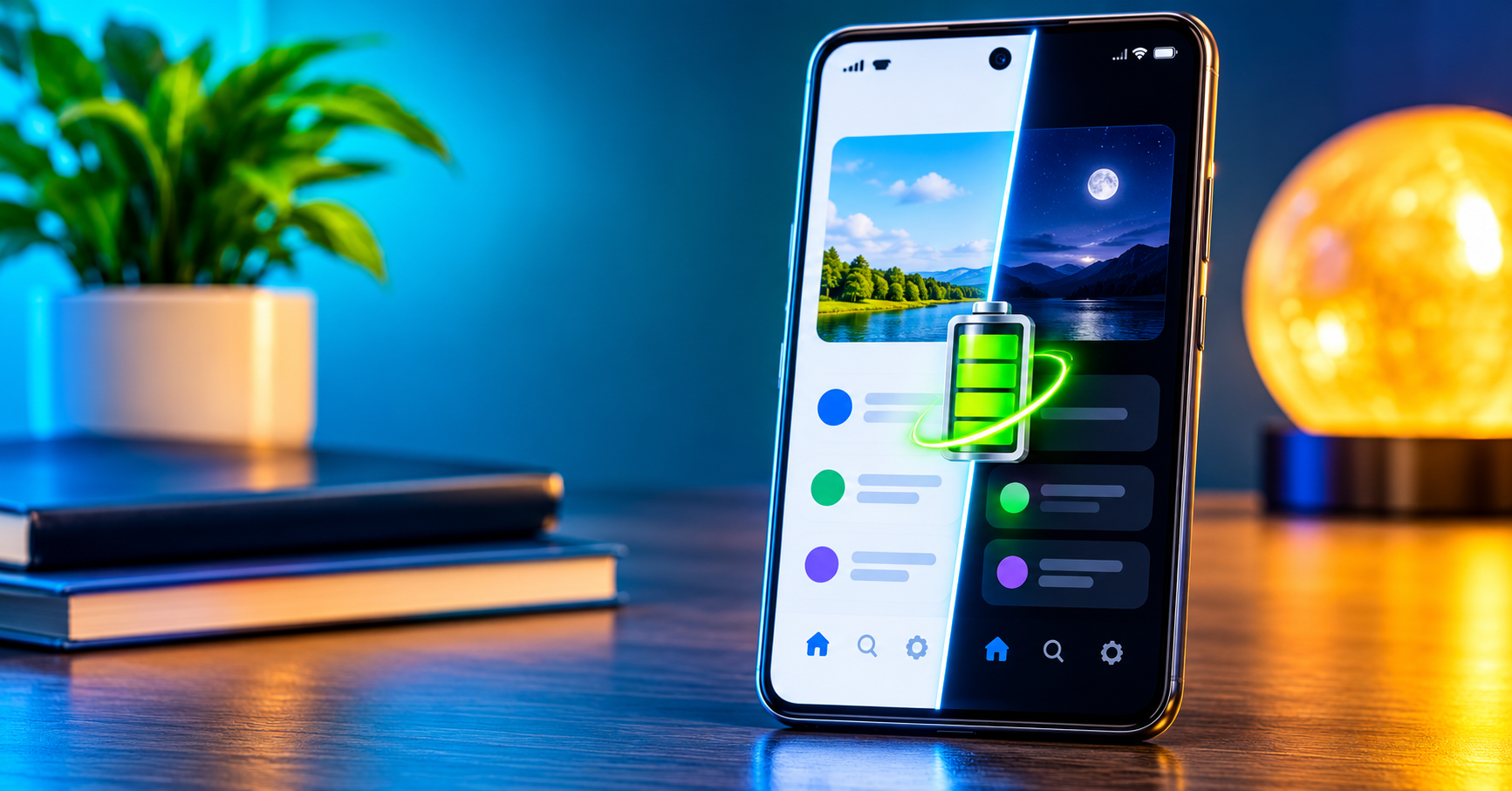
 Your Screen Looks Darker, But Is Your Battery Actually Working Less?
Dark Mode has become one of the most popular features on modern smartphones. From WhatsApp to Instagram, YouTube and even Google Chrome, many application now allow users to replace bright backgrounds with darker colours.
For some people, it is simply an attractive display setting. Others turn it on because they believe it helps their phone battery last longer.
But does it really work?
Yes, it does but there is a catch. Dark Mode can reduce battery consumption, particularly on smartphones with OLED and AMOLED displays. However, the technology behind your phone’s screen determines how much difference it actually makes.
Let us examine what happens behind those dark pixels.
What Exactly Is Dark Mode?
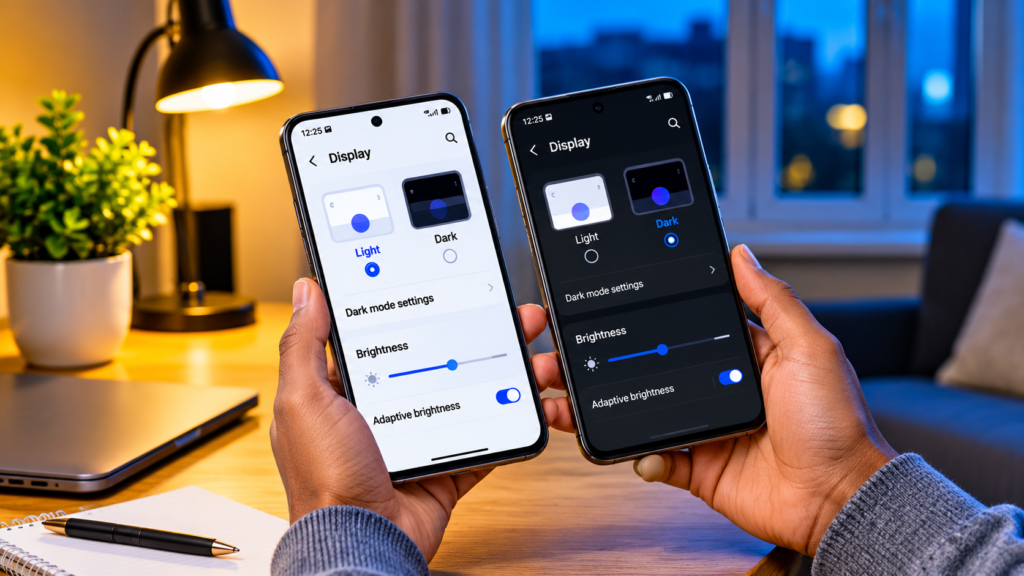
Dark Mode is a display setting that changes the appearance of your phone’s interface. Instead of dark text against a bright background, it displays light-coloured text against a darker background.
You can find this feature in:
- Android smartphones and iPhones.
- Whatsapp, Facebook and Instagram.
- YouTube and Google Chrome.
- Windows and macOS computers.
But, Dark Mode is more than a cosmetic feature.
On certain smartphone displays, changing the colours on your screen can directly affect how much electricity the display consumes.
This is where the battery-saving discussion begins.
How Does Your Phone Screen Consume Battery Power?
Your smartphone screen is one of the components responsible for consuming battery power.
Every time you read an article, watch a video, scroll through social media or play a game, your display needs electricity to produce the image you see.
Yet, smartphone screens do not all produce light in the same way.
There are two major display technologies worth understanding:
- OLED and AMOLED: These displays use individual pixels that produce their own light.
- LCD: These displays depend on a backlight to illuminate the screen.
The difference is important because it determines whether displaying darker colours can reduce power consumption.
Why Dark Mode Saves Battery on OLED and AMOLED Screens
OLED stands for Organic Light-Emitting Diode, while AMOLED means Active Matrix Organic Light-Emitting Diode.
Both technologies use pixels that produce their own light.
Unlike traditional LCD screens, OLED displays do not need a separate backlight to illuminate the entire display.
Here is how it works:
- when your screen displays white, many pixels produce light.
- When it displays darker colours, those pixels produce less light.
- When it displays true black, individual pixels can switch off completely.
- Pixels that are switched off consume virtually no power.
Consider opening a messaging application with a bright white background. Much of the screen needs to produce light.
Now switch to Dark Mode. The background becomes black or dark grey, reducing the amount of light the display needs to produce.
The darker the content on an OLED display, the less power the display generally needs to produce it.
This is why Dark Mode can genuinely help extend battery life on OLED and AMOLED smartphones.
What Happens on OLED Screens?
Here is where things become interesting.
LCD stands for Liquid Crystal Display. Unlike OLED technology, LCD screens depend on a backlight to illuminate the display.
Even when an LCD screen displays a black background, the backlight remains active.
The liquid crystals control how much light passes through different areas of the screen, but they do not produce light independently.
This means:
- Displaying white does not require each pixel to generate its own light.
- Displaying black does not switch off individual pixels.
- Dark Mode generally produces little or no meaningful display-related battery savings.
If your smartphone uses OLED screen, switching to Dark Mode may change its appearance without significantly reducing its display power consumption.
The important difference is how these two display technologies produce light.
How Much Battery Can Dark Mode Actually Save?
Now for the question most smartphone users want answered.
Is the difference 2%? 10%? Or perhaps 50%?
Researchers at Purdue University investigated this question by examining six popular Android applications across four OLED smartphones.
their finding challenged some common assumptions about Dark Mode.
The research found that:
- At typical indoor brightness levels of 30%-50%, Dark Mode saved approximately 3%-9% of total phone power on average.
- At 100% brightness, the savings increased to approximately 39%-47% in the tested scenarios.
Why such difference?
Because OLED displays generally consume more power at higher brightness levels. Replacing bright content with darker colours can therefore produce greater energy savings.
However, these figures represent specific laboratory testing conditions. They are not guaranteed battery-life improvements for every smartphone.
Dark Mode can make a bigger difference when your OLED screen is operating at high brightness, but the savings are not necessarily dramatic during everyday use.
Does Screen Brightness Matter More Than Dark Mode?
Yes, screen brightness is another major factor affecting display power consumption.
Imagine using your smartphone outside on a sunny afternoon. Your phone may automatically increase its brightness so that you can see the screen clearly.
That brighter display requires more power.
Now imagine using the same phone indoors with the brightness turned down.
The lower brightness can reduce display power consumption considerably.
Here are three things worth remembering:
- High brightness generally increase display power consumption.
- Lower brightness can help reduce battery usage.
- Combining lower brightness with Dark Mode can provide additional savings on OLED displays.
A dark screen at maximum brightness can still consume considerable power.
Does Dark Mode Save Battery on Every Application?
Not necessarily.
Although many applications support Dark Mode, they do not all implement it in the same way.
Some use completely black backgrounds, while others use dark grey.
On OLED screens, this distinction matters.
- Black backgrounds: Individual pixels can switch off.
- Dark grey backgrounds: Pixels still produce some light, although generally less than when displaying white.
- Bright images and videos: These may continue consuming display power even when Dark Mode is enabled.
For example, opening a messaging application with a completely black background may consume less display power than opening one with a dark grey background.
Dark mode does not turn every part of an application into an energy-saving display.
The actual savings depend on the colours being displayed and the technology used by the screen.
Other Things That Drain Your Phone Battery
Dark Mode is useful, but it is not the only factor responsible for battery consumption.
Several other activities can drain battery, sometimes without you noticing.
1. Background applications
Some applications continue running tasks when you are not actively using them. They may synchronise information, refresh content or receive notifications.
2. Location services
Applications that frequently access your GPS location can consume additional power.
3. Poor network reception
When your phone struggles to maintain a network connection, it may use additional power searching for or maintaining a signal.
4. High screen brightness
Keeping your display unnecessarily bright increases energy consumption.
5. Gaming and video streaming
Demanding applications place workloads on your processor, graphics hardware and display, increasing battery usage.
These activities explain why two people using the same smartphone can experience different battery performance.
Practical Ways to Make Your Phone Battery Last Longer
If you genuinely want to improve battery performance, combine Dark Mode with other useful adjustments.
Here are seven practical suggestions:
- Reduce screen brightness: Avoid keeping your display at maximum brightness for no reason.
- Use Dark Mode: Take advantage of it if your smartphone has an OLED or AMOLED display.
- Reduce screen timeout: Set your phone to switch off its display when you are not using it.
- Restrict background activity: Check which applications consume excessive battery power.
- Manage location permissions: Allow applications to access your location only when necessary.
- Use Battery Saver: Activate your phone’s built-in power-saving feature when needed.
- Update your applications: Software updates can sometimes improve efficiency and fix unnecessary background activity.
You do not need to apply every battery-saving adjustment at once. Start with the settings that make the most difference to your everyday phone usage.
So, Should You Keep Dark Mode Turned On?
The answer depends on your smartphone and personal preference.
Here is a simple breakdown:
- OLED and AMOLED users: Dark Mode can genuinely reduce display power consumption.
- LCD users: Battery savings are generally much smaller.
- Heavy smartphone users: Dark Mode may provide additional savings, particularly when screen brightness is high.
- People who prefer darker interfaces: You can enjoy Dark Mode regardless of whether it produces significant battery savings.
Dark Mode may also feel more comfortable to some people when using their phones in dim environments, although this is a matter of personal preferences.
Conclusion
Does using Dark Mode really save battery?
Yes, but it depends on the display technology inside your smartphone.
OLED and AMOLED displays benefit more because their individual pixels can reduce power consumption when displaying darker colours. LCD displays work differently, so switching to Dark Mode generally produces much smaller battery savings.
Screen brightness also plays an important role. The brighter your OLED display, the greater the potential benefit of switching to Dark Mode.
So, the next time you turn on Dark Mode, remember that you are not simply changing the appearance of your phone. On the right display, you are also changing how much energy its pixels need to produce light.