
How to Set up a Smart Home
Imagine arriving home after a long day, and before you even step through the front door, your porch lights switch on seamlessly. As you walk inside, the room is already at your preferred temperature, your favorite playlist begins to play, and you can ask a voice assistant to remind you about tomorrow’s meeting—all without lifting more than a finger.
A few years ago, this might have sounded like something from a science fiction movie. Today, it is becoming a reality for millions of people through smart home technology.
The good news is that creating a smart home doesn’t require a huge budget or advanced technical skills. You don’t have to replace every appliance in the house overnight. In fact, many people begin with just one or two smart devices and progressively expand their setup over time.
In this guide, you will learn what a smart home is, how it works, the devices you will need, and how to build a smart home that fits your lifestyle and budget.
What is a Smart Home?
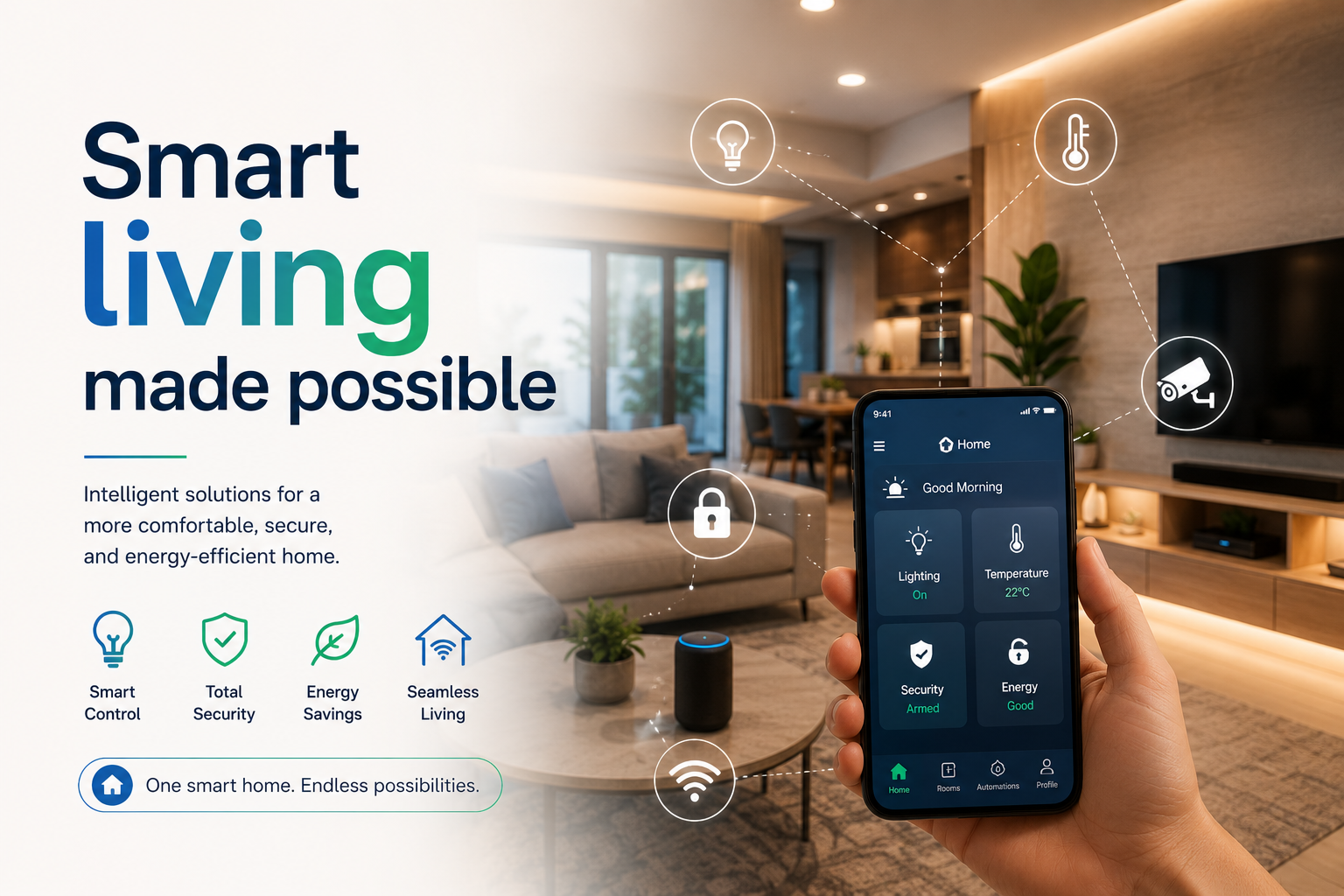
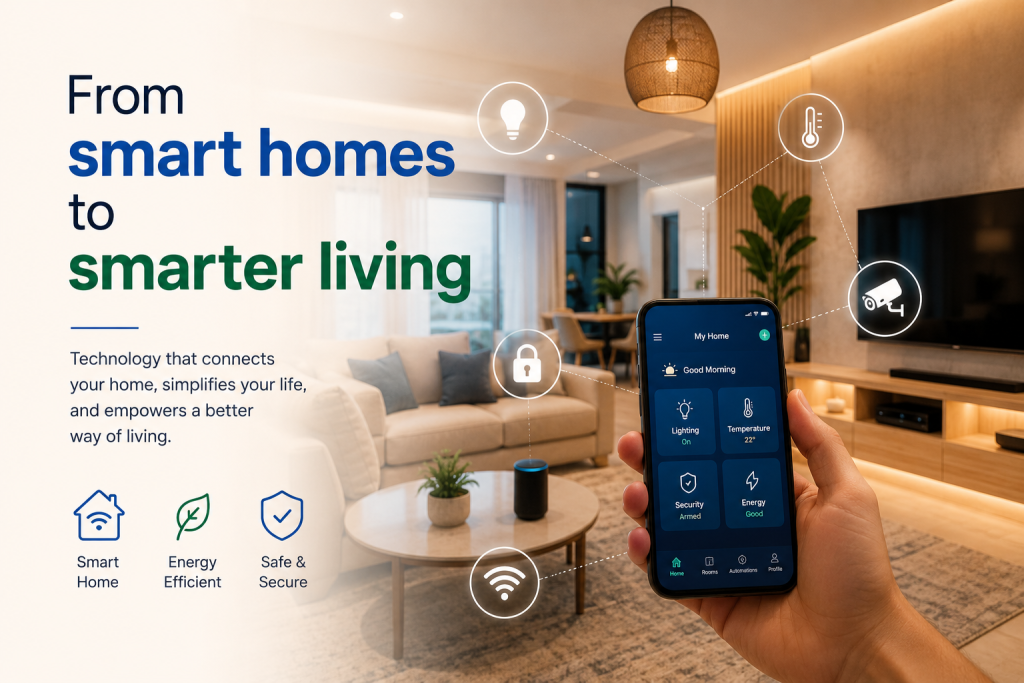
A smart home is a home equipped with Internet-connected devices that can be controlled remotely using a smartphone, tablet, or voice assistant. These devices can also communicate with one another, making everyday tasks more practical and efficient.
Instead of manually turning on lights, adjusting the thermostat, or checking whether you locked the front door, smart devices can automate many of these tasks.
Some smart devices can even learn your habits. For example, they may switch off lights when everyone leaves the house or adjust the temperature based on your daily routine.
The goal of a smart home is not simply to fill your house with technology —it is to make everyday living easier, safer, and more comfortable.
Why Build a Smart Home
There are many reasons why homeowners and renters are embracing smart home technology.
Greater convenience
Imagine controlling your lights, television, fans, or speakers without getting up from your chair. Whether you are at home or away, smart devices allow you to manage many household functions from your phone.
Improved Security
Smart doorbells, security cameras, smart locks, and motion sensors help you monitor your home from almost anywhere. You will receive alerts if someone approaches your front door or if unusual activity is identified.
Better Energy Efficiency
Smart lighting and smart plugs can automatically switch off devices that are not being used. Smart thermostats can also reduce unnecessary heating or cooling, helping lower electricity bills.
Time Saving
Automation meaning repetitive tasks happen automatically. You can schedule lights to turn on at sunset, have your coffee machine start brewing before you wake up, or let your robot vacuum clean while you are away.
Step 1: Make Sure You Have a Reliable Internet Connection
A stable Wi-Fi connection is the foundation of every smart home.
Most smart devices depend on your wireless network to communicate with each other and with your smartphone. If your Internet connection is slow or unreliable, your smart devices may respond slowly or disconnect completely.
Before buying smart devices, check that your Wi-Fi provides good coverage throughout your home. If needed, consider upgrading your router or adding a Wi-Fi extender for good signal strength.
Step 2: Choose Your Smart Home Ecosystem
One of the first decisions you will make is selecting the platform that controls your smart devices.
A smart home ecosystem acts as the central hub that allows your devices to work together.
Popular ecosystems includes:
- Google Home
- Amazon Alexa
- Apple Home
Choosing one primary ecosystem makes it easier to control multiple devices from a single app and create useful automations.
If you are already using an Android phone, Google Home may be the most convenient option. If you are deeply invested in Apple’s ecosystem, Apple Home might be the better fit. Amazon Alexa is another popular choice because it is compatible with a wide range of smart devices.
Step 3: Start with Smart Lighting
Smart lighting is one of the easiest and most affordable ways to begin building a smart home.
You can replace traditional bulbs with smart bulbs that connect to your Wi-Fi.
With smart lights, you can:
- Turn lights on or off remotely.
- Dim the brightness.
- Schedule lighting routines.
- Change colors on supported bulbs.
- Control lights using voice commands.
Smart lighting also improves home security because you can make it appear as though someone is home even while you are away.
Step 4: Add a Smart Speaker or Smart Display
A smart speaker acts as the control for many smart homes.
Using simple voice commands, you can ask your assistant to:
- Turn off lights
- Play music
- Set reminders
- Read the whether forecast
- Control compatible smart devices
- Answer questions instantly
A smart display offers the same features while also displaying recipes, security cameras feeds, calendars and video calls on a screen.
Step 5: Expand with Smart Plugs
Smart plugs are among the most useful beginner-friendly smart home devices
Instead of replacing an appliance, you simply plug it into a smart plug.
This allows you to control lamps, coffee makers, fans, and other electronics directly from your smartphone.
They are also a affordable way to make older appliances feel “smart” without buying new versions.
Step 6: Improve Home Security with Smart Devices
One of the biggest reasons people invest in smart home technology is to improve security. Modern smart security devices help you keep an eye on your home whether you are inside, at work, or on vacation.
Some of the most important options includes:
- Smart security cameras that let you view live footage from your phone.
- Video doorbells that allows you to see and speak to visitors even when you are away.
- Smart locks that let you lock or unlock your door remotely and create temporary access codes for family members or guests.
- Motion sensors that send alerts whenever unexpected movement is detected.
These devices provide extra peace of mind and can help you respond quickly if something unusual happens.
Step 7: Consider Smart Thermostats and Climate Control.
If you live in a region where heating or air conditioning is used regularly, a smart thermostat can make your home more comfortable while helping you save energy.
Unlike traditional thermostats, smart versions learn your schedule and automatically adjust the temperature based on your routine. Many can also be controlled from anywhere using a smartphone.
Even if a smart thermostat is not available in your area,smart fans, air conditioners, or heaters can still help automate your home’s climate.
Step 8: Add Smart Appliances
Once you have covered the basics, you can gradually add smart appliances that simplify everyday tasks.
Examples include:
- Robot vacuum cleaners
- Smart refrigerators
- Smart washing machines
- Smart ovens
- Smart coffee makers
- Smart TVs
These devices often include features such as remote control, scheduling, energy monitoring, and maintenance reminders.
Remember, you don’t need to buy everything at once. Building a smart home is a gradual process, and every new device should solve a real need rather than simply adding more technology.
Create Automation Routines
The most powerful features of a smart home is automation
Instead of controlling every device individually, you can create routines that perform several actions at the same time.
For example:
Morning Routine
- Bedroom lights turn on gradually
- Your favourite news briefing starts playing
- The coffee maker begins brewing
- The thermostat adjusts to a comfortable temperature
Leaving Home Routine
- All lights switch off
- Doors lock automatically
- Security cameras activate
- Smart plugs turn off unnecessary appliances
Bedtime Routine
- Lights dim automatically
- Doors are locked
- Security system is armed
- Phone switches to Do Not Disturb mode
These automation save time and reduce the number of everyday tasks you have to remember.
Tips for Building a Smart Home on a Budget
Many people assume smart homes are expensive, but that is no necessarily true.
Here are few ways to save money:
- Start with one or two devices instead of buying everything at once.
- Watch for seasonal sales and discounts.
- Buy devices that work with your chosen smart home ecosystem.
- Prioritize products you will use every day.
- Expand your setup gradually as your needs grow.
A simple smart bulb and smart speaker can be enough to introduce you to the benefits of home automation without spending on fortune..
Common Mistakes to Avoid
If you are just starting out, avoid these common errors:
Buying incompatible devices
Not all smart devices work with every platform. Always check compatibility before making a purchase.
Ignoring Wi-Fi coverage
A weak Internet connection can make smart devices inconsistent. Good Wi-Fi is essential for a smooth experience.
Skipping software updates
Manufacturers regularly release updates that improve security, fix bugs, and add new features. Keeping your devices updated help them perform at their best.
Using weak passwords
Since smart devices connect to the Internet, they are potential targets for cyberattacks. Use strong, unique passwords and ensure two-factor authentication whenever possible.
Is a Smart Home Worth it?
For most people, the answer is yes.
A smart home can make everyday tasks easier, improve security, reduce energy consumption, and add convenience to your daily routine. Whether it is turning on lights with your voice, checking your front door from another city, or scheduling appliances to run automatically, smart technology can simplify modern living.
The key is to focus on devices that genuinely improve your lifestyle instead of buying technology just because it is new.
Final Thoughts
Setting up a smart home does not have to be complicated or expensive. By starting with reliable Internet, choosing a smart home platform, and adding devices one step at a time, you can build a connected home that suits your needs and budget.
Remember, the smartest home is not the one with the most expensive gadgets, it is the one that makes your everyday life simpler, safer, easier and more enjoyable.