
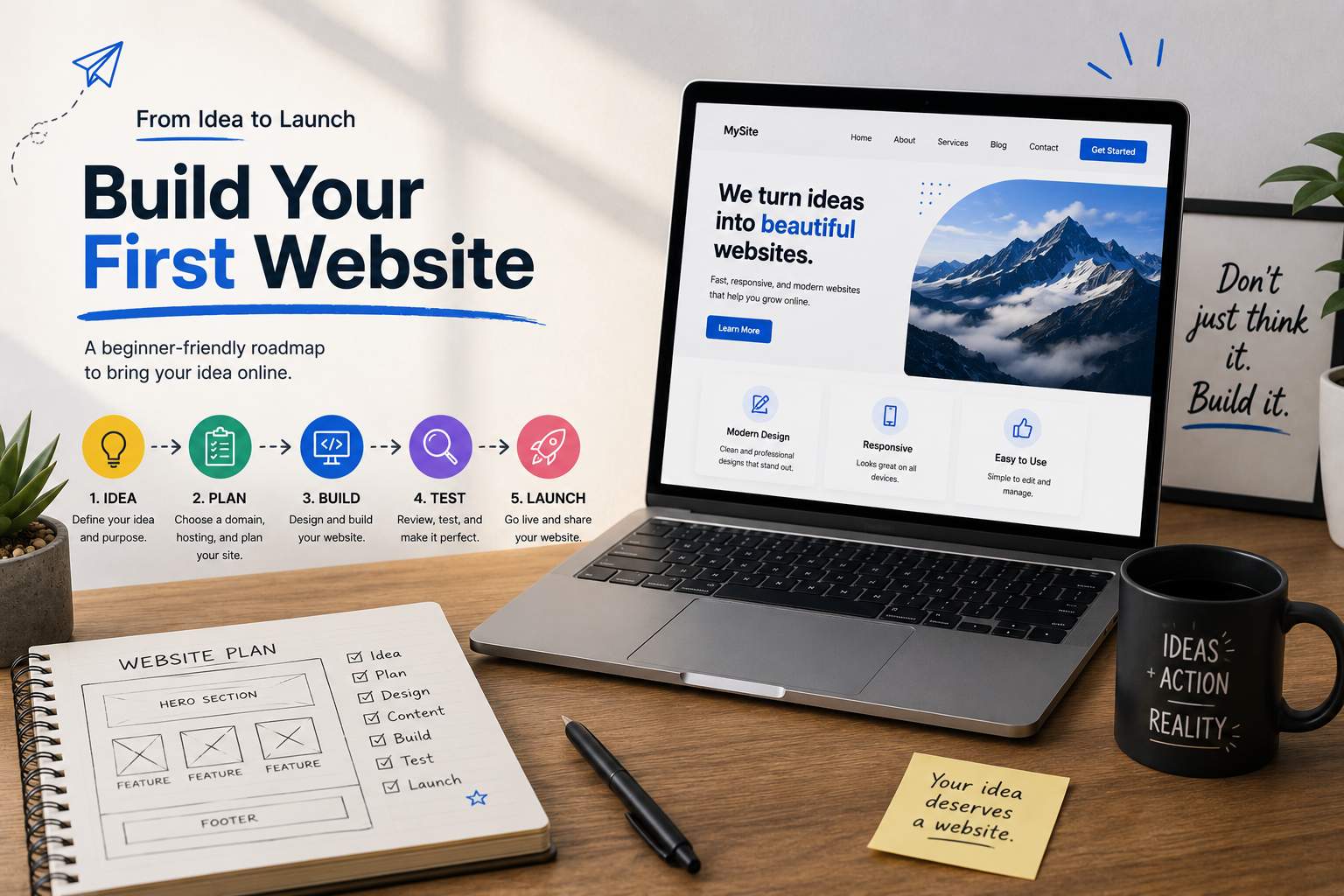
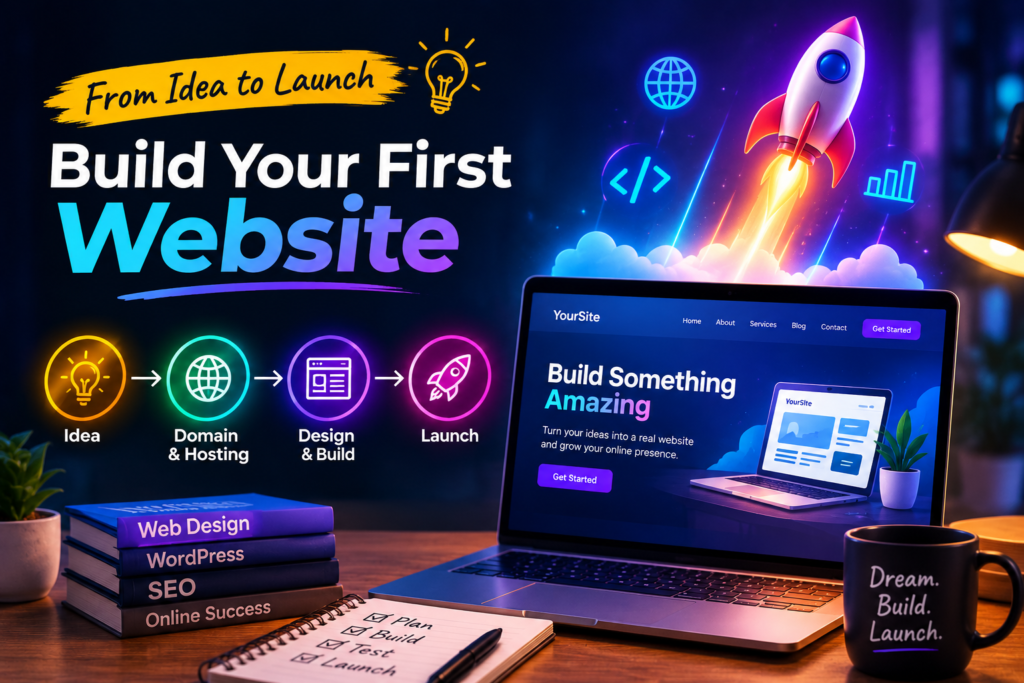
Your First Website Starts Here: A Beginner’s Blueprint
Every Great Website Starts with a Single Page
Imagine opening your laptop with a brilliant idea. Maybe you want to start a blog, showcase your photography, sell handmade products, promote your business, or build a personal portfolio. You search online and see thousands of beautiful websites, but one thought keeps crossing your mind:
“I could never build something like that”
The truth is, every website you visit today—whether it is a small personal blog or a global company website—started as a blank page.
Building your first website might sound complicated, but modern tools have made the process more easier than ever. You do not need to be a professional programmer or spend years learning web development. With the right approach, anyone can create a functional, attractive, and professional-looking website.
In this guide, we will learn exactly how to build your first website from start to finish, even if you have never written a line of code. By the end, you will understand the entire process and have the confidence to launch a website you are proud of.
Why Build a Website?
Before diving into the technical steps, it is important to understand why having a website matters.
A website can help you:
- Share your ideas with the world
- Build a personal brand
- Showcase your portfolio
- Start an online business
- Sell products or services
- Create a blog
- Reach customers 24/7
- Build credibility and trust
Whether you are a student, entrepreneur, freelancer, or hobbyist, a website opens doors to countless opportunities.
Step 1: Decide the Purpose of Your Website
Every successful website starts with a clear goal.
Ask yourself:
- Are you creating a personal blog?
- Do you want an online store?
- Is it for your business?
- Are you creating a portfolio?
- Will it be an educational website?
Knowing your purpose helps determine your design, content, and the tools you will need.
For example:
- Bloggers need articles and categories.
- Businesses need service pages and contact forms.
- Online stores need shopping carts and payment options.
- Portfolios need image galleries and project showcases.
Keep your goal simple. You can always expand later.
Step 2: Choose a Domain Name
Your domain name is your website’s address on the internet.
Examples include:
- yourwebsite.com
- myblog.net
- techworld.org
Choose a domain name that is:
- Easy to remember
- Easy to spell
- Short and simple
- Relevant to your content
- Unique
Avoid:
- Long names
- Too many numbers
- Special characters
- Difficult spellings
If possible, choose a “.com” domain because it is the most recognizable and trusted.
Step 3: Buy Web Hosting
Think of web hosting as the land where your website lives.
Without hosting, your website cannot be accessed online.
A hosting provider stores your website files and makes them available to visitors around the world.
When choosing hosting, consider:
- Speed
- Reliability
- Security
- Customer support
- Storage space
- Backup options
Many hosting companies also include free SSL certificates, email accounts, and one-click website installations.
Step 4: Install a Website Builder or CMS
A CMS (Content Management System) let’s you build and manage your website without coding everything manually.
Popular options include:
- WordPress
- Wix
- Squarespace
- Shopify (for online stores)
WordPress is the most popular because it offers:
- Thousands of themes
- Thousands of plugins
- Excellent flexibility
- Strong SEO features
- A large support community
Most hosting providers allow you to install WordPress with a single click.
Step 5: Choose a Theme
A theme controls how your website looks.
Think of it as choosing the style of your home before decorating the rooms.
Good themes should be:
- Mobile-friendly
- Fast-loading
- Easy to customize
- Clean and professional
Choose a design that matches your website’s purpose rather than one with excessive animation or unnecessary features.
Step 6: Customize Your Website
Now it is time to make the website your own.
Customize your:
- Logo
- Colors
- Fonts
- Header
- Footer
- Navigation menu
Try to maintain consistency throughout the site.
Good design is not about adding more elements —it is about making everything easy to understand.
Step 7: Create Essential Pages
Every website should include a few important pages.
Home Page
This is the first impression visitors get.
Explain:
- Who you are
- What you offer
- Why visitors should stay
About page
People like knowing who is behind a website.
Share:
- Your story
- Your mission
- Your experience
- Your values
Contact Page
Make it easy for visitors to reach you.
Include:
- Contact form
- Email address
- Phone number (if appropriate)
- Social media links
Privacy policy
Many countries require websites to explain how they collect and use visitor data
If your website collects emails, uses cookies, or tracks visitors, a privacy policy is essential.
Step 8: Add Useful Content
Content is what keeps visitors coming back.
Depending on your website, you can publish:
- Blog articles
- Tutorials
- Product descriptions
- Videos
- Photos
- Case studies
- FAQs
Focus on creating content that solves problems or answers common questions.
Quality matters far more than quantity.
Step 9: Optimize for Mobile Devices
Most people browse the Internet on smartphones than on desktop computers.
Your website should:
- Load quickly
- Display properly on phones
- Have readable text
- Include clickable buttons
- Avoid cluttered layouts
Always preview your website on different screen sizes before publishing.
Step 10: Improve Website Speed
Visitors dislike slow websites.
Ways to improve speed include:
- Compress images
- Remove unnecessary plugins
- Use caching
- Choose reliable hosting
- Minimize large files
A faster website also improves user experience and search engine rankings.
Step 11: Learn Basic SEO
SEO (Search Engine Optimization) helps your website appear in search engine results.
Basic SEO practices include:
Use descriptive page titles
Instead of:”Home”
Use:
“Affordable Web Design Services for small Businesses”
Write clear headings
Organize your content with headings and subheadings.
Use keywords naturally
include words people search for, but avoid stuffing them into every sentence.
Add image alt text
Describe each image so search engines and screen readers understand it.
Example:
“Person designing a website on a laptop.”
Write Useful Content
Search engines reward content that genuinely helps readers.
12. Install Helpful Plugins
Plugins add extra functionality.
Useful plugins include:
- SEO tools
- Content forms
- Website backups
- Security protection
- Image optimization
- Spam Protection
- Analytics
Install only the plugins that you really need to keep your site fast and secure.
13. Secure Your Website
Security should never be ignored.
Protect your website by:
- Using strong passwords
- Enabling two-factor authentication
- Keeping plugins updated
- Updating WordPress regularly
- Installing a security plugin
- Running regular backups
Prevention is more easier than recovering from a hacked website.
14. Test Everything
Before launching, check that everything works.
Test:
- Navigation menus
- Contact forms
- Buttons
- Images
- Mobile view
- Loading speed
- Spelling and grammar
- Links
Ask a friend or family member to browse your website and give a honest feedback.
15. Publish Your Website
Once you are satisfied with your work, it is time to launch.
Remember:
Your first website does not have to be perfect.
Most successful websites continue improving long after they go live.
Launching is just the beginning.
Common Beginner’s Mistakes to Avoid
Many first-time website owner makes similar mistakes.
Avoid these pitfalls:
- Choosing a complicated design
- Ignoring mobile users
- Using poor-quality images
- Forgetting backup
- Publishing without proofreading
- Installing too many plugins
- Using weak passwords
- Neglecting SEO
- Overloading the pages with ads or pop-ups
A clean user-friendly websites often performs better than the one filled with unnecessary features.
Should You Learn Coding
Not necessarily.
Many beginners build excellent websites using no-code or low-code platforms.
However, learning basic HTML or CSS can be helpful for making small customizations and understanding on how websites work.
As your skills grow, you can explore JavaScript and other web development technologies.
Maintaining Your Website
Building a website is only the first step.
To keep it running smoothly:
- Publish fresh content regularly
- Update themes and plugins
- Monitor website performance
- Back up your data
- Check for broken links
- Review your site’s security
- Track visitors statistics to understand what content performs best.
Regular maintenance helps your website stay fast, secure and relevant.
Final Thoughts
Your first website is more than just a collection of pages, it is the digital home. Whether you are sharing your passion or growing a business, or building a personal brand, creating a website is one of the most valuable skills you can learn in today’s digital world.
Do not wait until everything is perfect before you begin. Every experienced web designer once faced the same blank screen and the same uncertainty. The difference is that they started.
Take one step at a time: choose your domain, set up hosting, create your pages, and publish your content. As you gain confidence, you can improve your design, add new features and expand your site.
The internet is full of opportunities, and your website can be your doorway to new connections, learning experiences, and even career or business growth. Start building today, and let your first website be the foundation for everything you create online.